
Create apps in seconds
1. Introduction
In this lesson we will learn how to create, modify and share an application with Google AI Studio, specifically designed to help scientists analyze and communicate their research in a clear, structured and adapted way to different audiences.
The most interesting thing about this process is that no programming required: everything is achieved from prompts well-designed applications that guide artificial intelligence to generate exactly the application we need.
The video below shows the entire process of creating, using, and modifying the app until it achieves a functional and extremely practical result. Throughout the written section, you'll find a summary of what was done and, more importantly, the prompts used. These prompts will inspire you to create apps based on your own ideas.
2. Creating the initial application
2.1. Access and creation
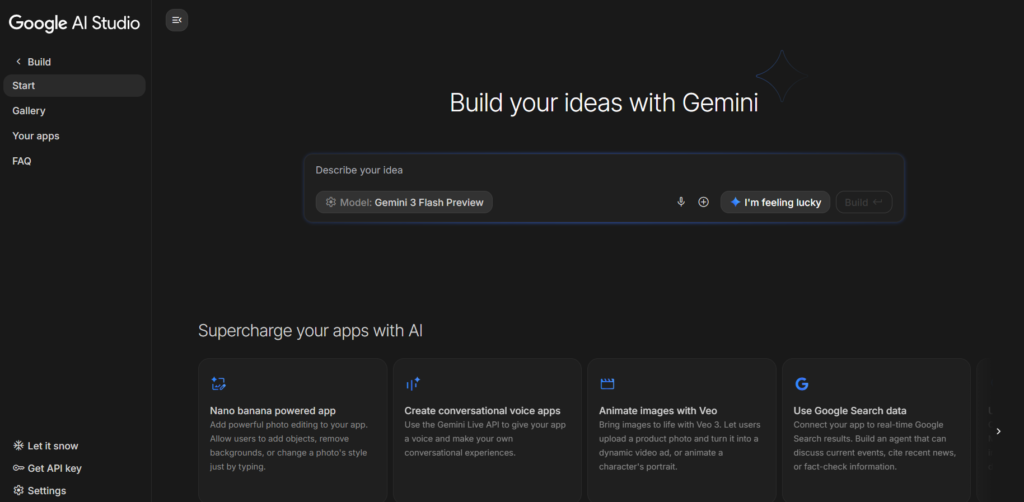
- We entered Google AI Studio.
- From the section Build, we can pass the prompt to create a new app.
- An environment will open where we can design the application by entering the master prompt that will define your behavior.

2.2. Main prompt used
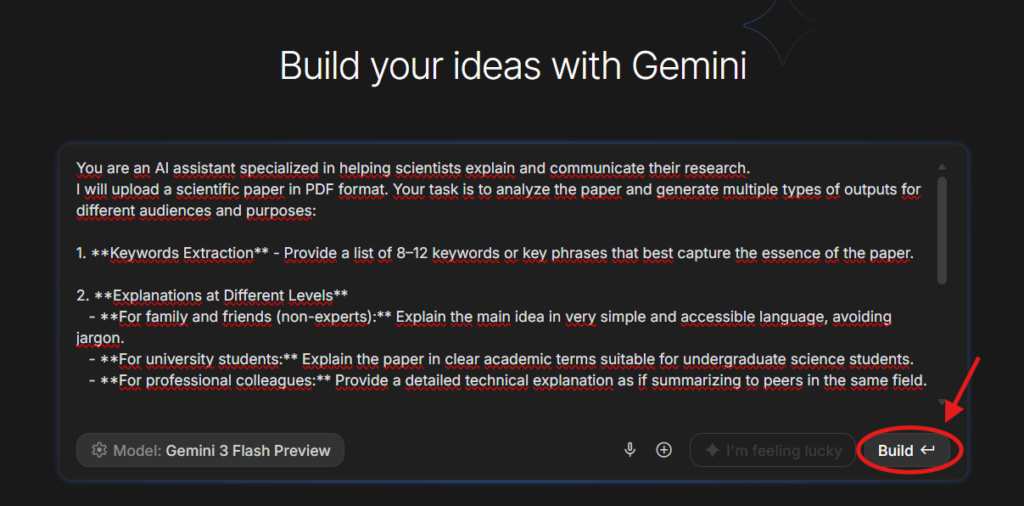
Below is the full prompt we entered to create the first version of the application:
You are an AI assistant specialized in helping scientists explain and communicate their research. I will upload a scientific paper in PDF format. Your task is to analyze the paper and generate multiple types of outputs for different audiences and purposes: 1. **Keywords Extraction** - Provide a list of 8–12 keywords or key phrases that best capture the essence of the paper. 2. **Explanations at Different Levels** - **For family and friends (non-experts):** Explain the main idea in very simple and accessible language, avoiding jargon. - **For university students:** Explain the paper in clear academic terms suitable for undergraduate science students. - **For professional colleagues:** Provide a detailed technical explanation as if summarizing to peers in the same field. 3. **Potential Applications** - Suggest practical or future applications of the research findings in real-world contexts. 4. **Strengths and Limitations** - Briefly outline the main strengths of the study and possible limitations or challenges. 5. **Creative Extensions** - Suggest 2–3 possible directions for further research, experiments, or collaborations that could build on this paper. 6. **Summary Formats** - Provide a **tweet-length summary** (max 280 characters). - Provide a **bullet-point summary** (5–7 bullets). Output everything in well-structured sections with clear headings.
2.3. How the app works

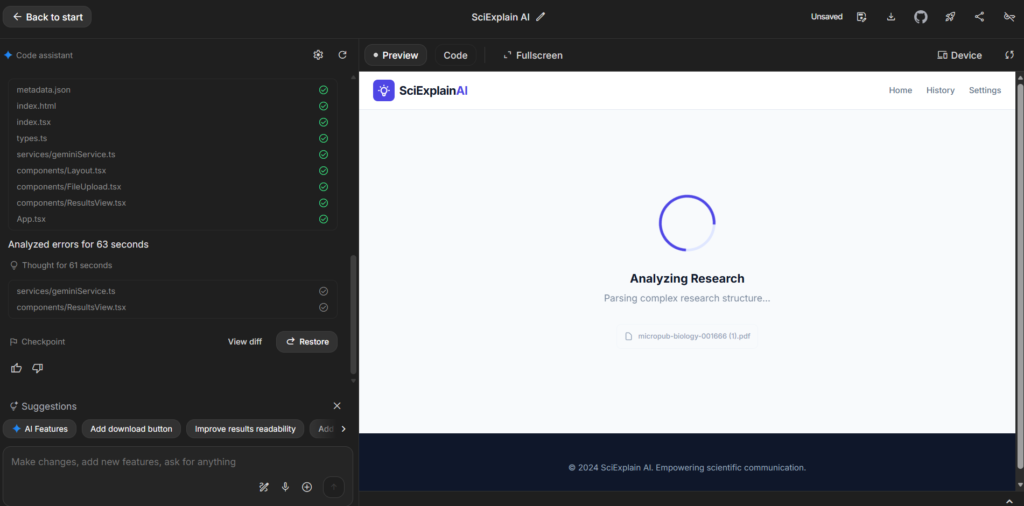
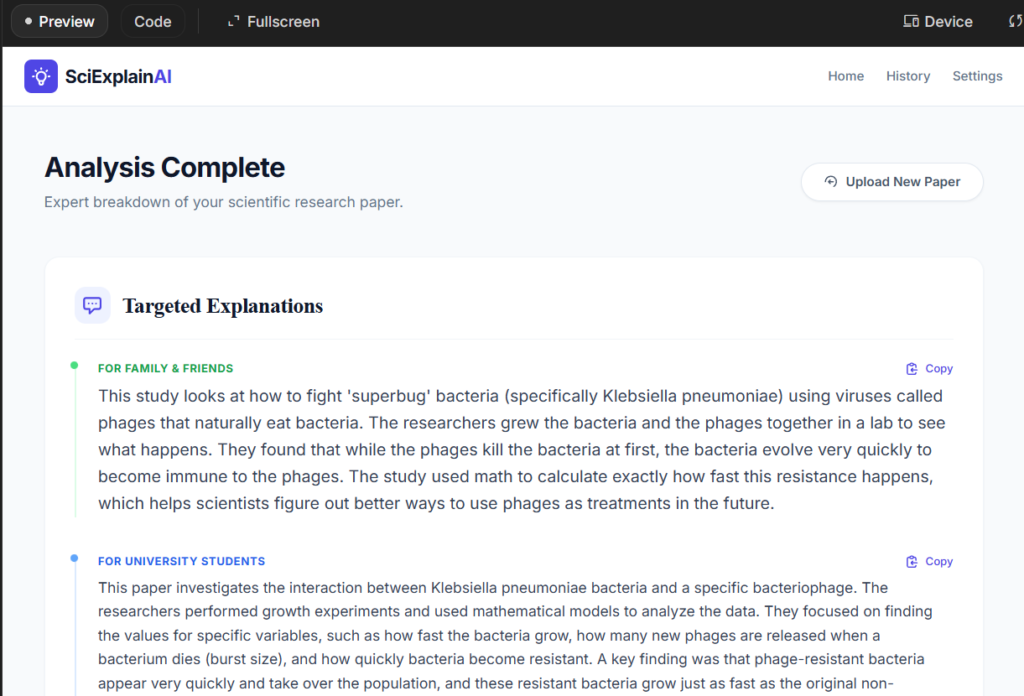
Once created, the application allows us to:
- Upload a scientific article in PDF.
- Process the document in seconds.
- Receive different types of output: summaries, keywords, applications, limitations, creative extensions, explanations according to different audience levels, etc.
3. Subsequent modifications with prompts
To adapt the app to a more comfortable and versatile environment, we've introduced a new prompt that updates its appearance and functionality.
3.1. Modification Prompt
I want you to update my existing app with the following changes: 1. **Theme and Colors** - Use a light theme with a **white background**. - Text should be **dark/black** for maximum readability. - Maintain a clean, minimal, and professional look. 2. **Section Selection** - Instead of automatically generating all outputs at once, the app should allow me to **select which sections I want to generate**. - For example, I may choose only: - Keywords - Explanation for students - Applications - Or any other specific section from the original prompt. - Add a simple input mechanism (like checkboxes or a multi-select dropdown) so that I can decide which sections to include in the output. 3. **General Behavior** - Keep all the previous functionality from the original app. - Make sure the interface is intuitive and easy to use. - Output should remain well-structured with clear headings.
3.2. Result of the modifications
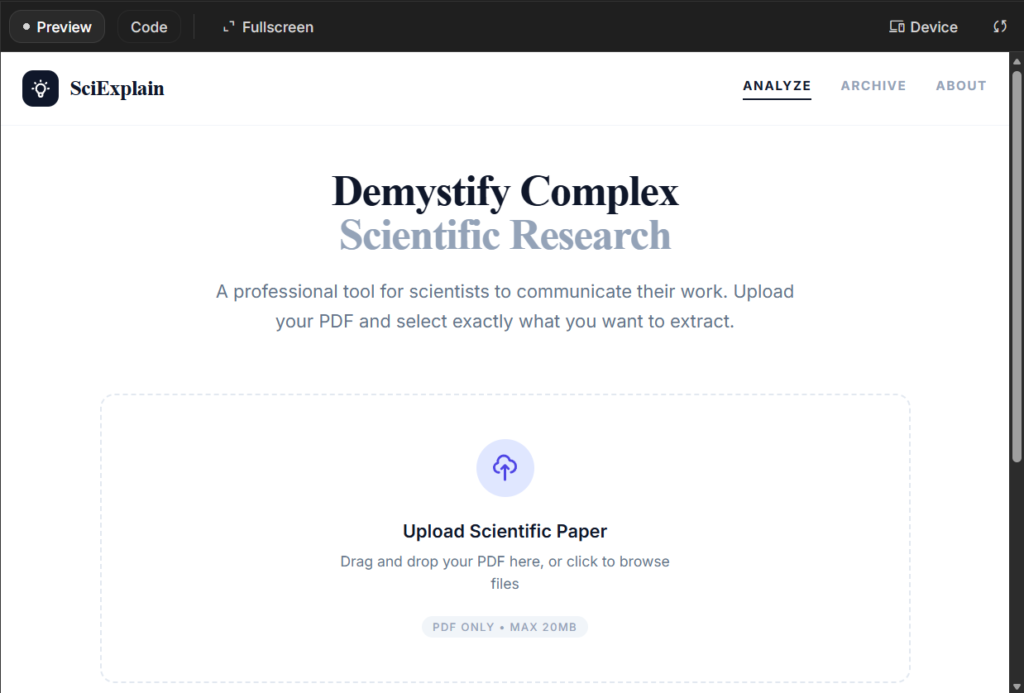
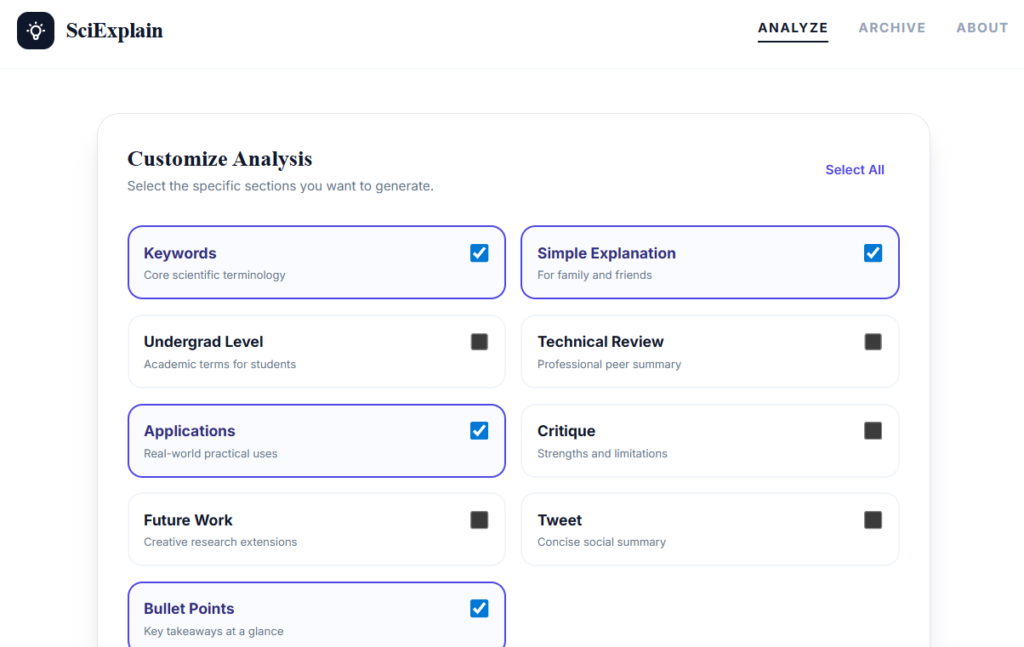
- Clear and minimalist interface, with a white background and black letters.
- Flexible section selection: We can decide if we want only the keywords, applications, limitations, a summary in the form of a tweet, etc.
- Efficiency: The app generates only what we have selected, which speeds up processing and delivery of results.
4. Download, deploy and share
Once we have the application finished, we have several options:
4.1. Download
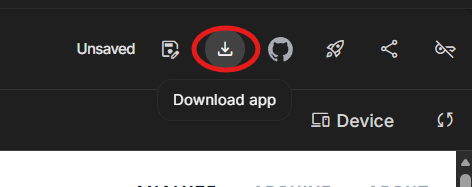
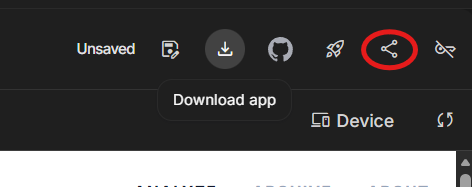
From the top right corner, with the button Download, we can download a folder that contains all the files that make up the application.
4.2. Cloud deployment
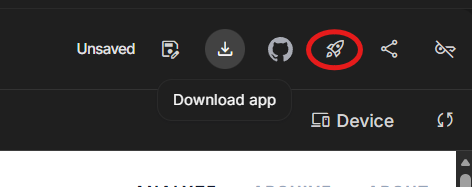
With the option Deploy App on Google Cloud, we can publish the app directly to the Google Cloud. To do this:
- We created a new project on Google Cloud.
- We add a payment method (although if it's the first time, free credits are usually sufficient).
- Once deployed, the app is accessible online to our entire research team or anyone we share the link with.
4.3. Manual sharing
- We can share the application by copying the link and sending it to other users, who will be able to access it from their browser even if they are not the original developers.
- You can also share the downloaded code so others can modify it and adapt it to their own needs.
5. Examples of creative uses for scientists
In addition to analyzing articles, this same approach can be used to create applications that:
- Generate informative material for students or the general public.
- Propose new hypotheses based on bibliographic reviews.
- Build timelines of scientific advances in a field.
- Transform results into infographics or visual covers for presentations.
- Elaborate interactive quizzes to validate research.
6. Conclusion
We have learned to:
- Create a scientific application from Google AI Studio using detailed prompts.
- Modify its appearance and functionality without programming.
- Download it, deploy it in the cloud, and share it with colleagues or publicly.
This process demonstrates how the AI democratizes the creation of scientific tools, offering practical, customized applications with just a few clicks.

